AI for 3D
As many applications, SOLIDWORKS wants to draw in more user subscriptions by providing AI services. I led the design for SOLIDWORKS AI in the past 3 years and help our teammates to transition into working on AI projects.

As many applications, SOLIDWORKS wants to draw in more user subscriptions by providing AI services. I led the design for SOLIDWORKS AI in the past 3 years and help our teammates to transition into working on AI projects.
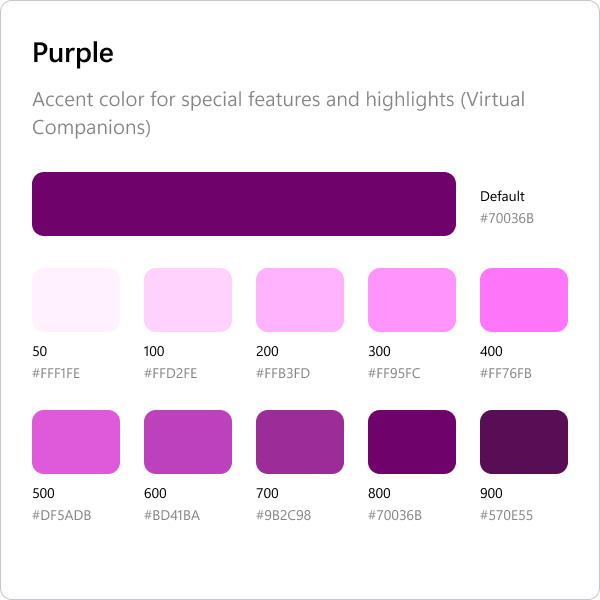
I work alongside another designer to craft an initial design system to address the upcoming wave of AI projects inside SOLIDWORKS.
The exploration is still ongoing. We are in the process of defining what a design system can be in the context of AI-driven products.
I focused on defining interaction principles, patterns, and language that help users form accurate mental models of AI behavior.
When we talk to our users, usually they will say, "We don't want AI to replace the fun portion of my work. I do want it to help with those tedious repetitive tasks."
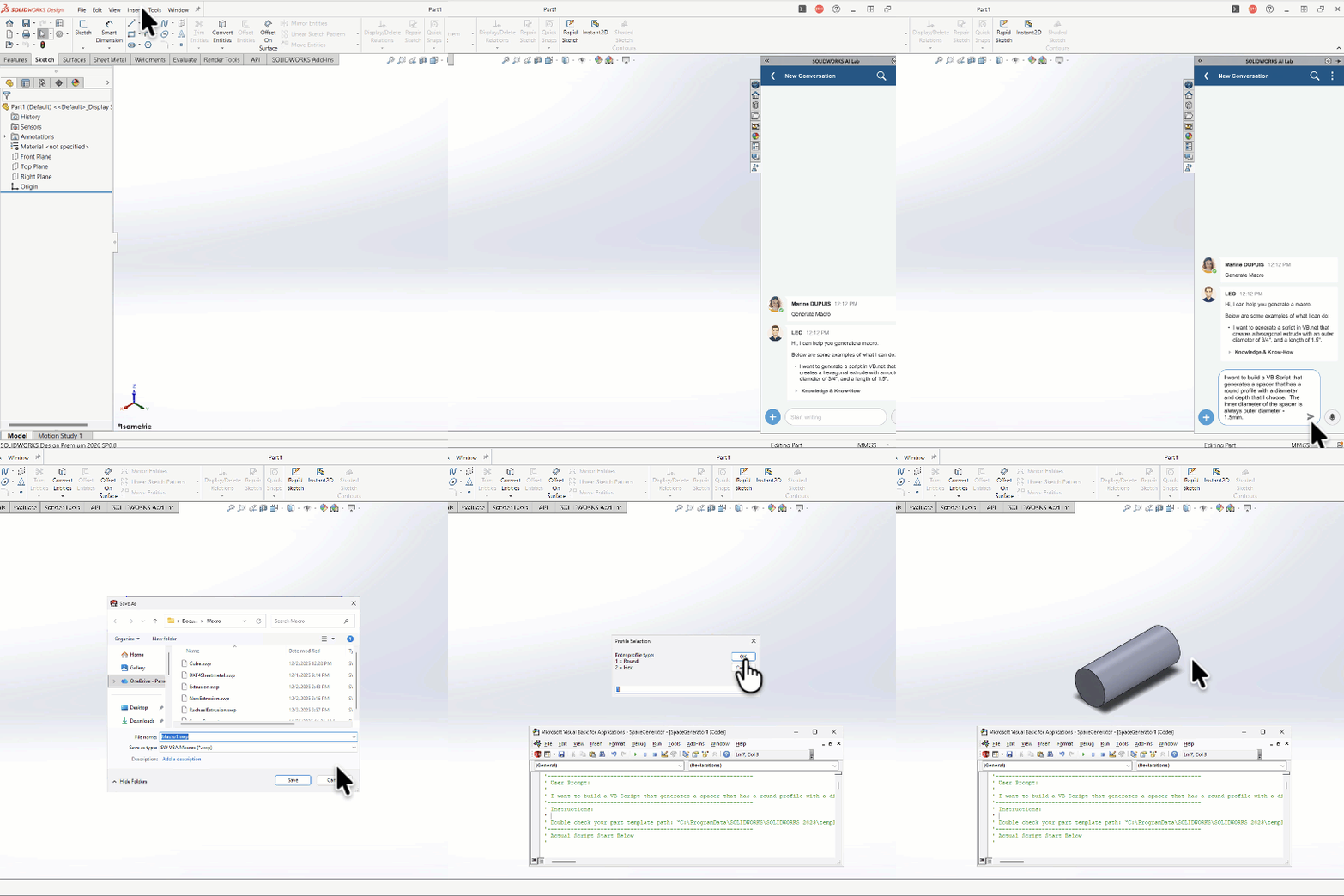
In the past, writing Macro is one way to handle those tedious repetitive task. However, it is not a skill mastered by many mechanical engineers.
With the help of AI, Macro Creation becomes more accessible. As UX designer, my job is to explore how to make it easy, safe, and trust-worthy for our users.
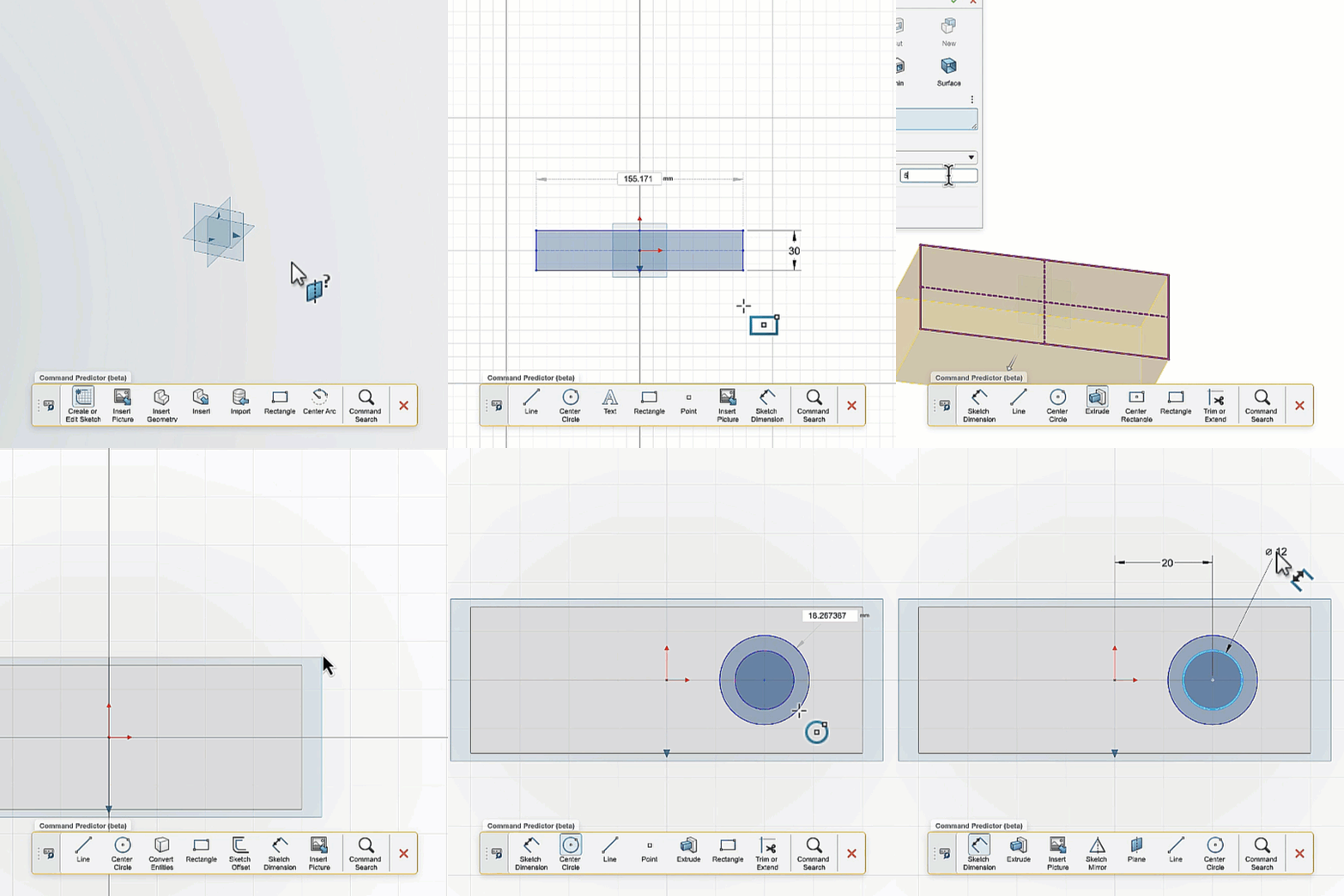
Used historical usage data to predict next commands.
Through user research, we uncovered key tensions:
Muscle memory vs adaptive UI (advanced users disliked moving commands)
Learning vs efficiency (novices still struggled with command meaning)
Personalization vs data trust (users questioned how training data was stored and applied)
Outcome:
We reframed Command Predictor as an efficiency accelerator for semi-experienced users — particularly within constrained web UI environments — rather than positioning it as a learning tool or expert replacement.
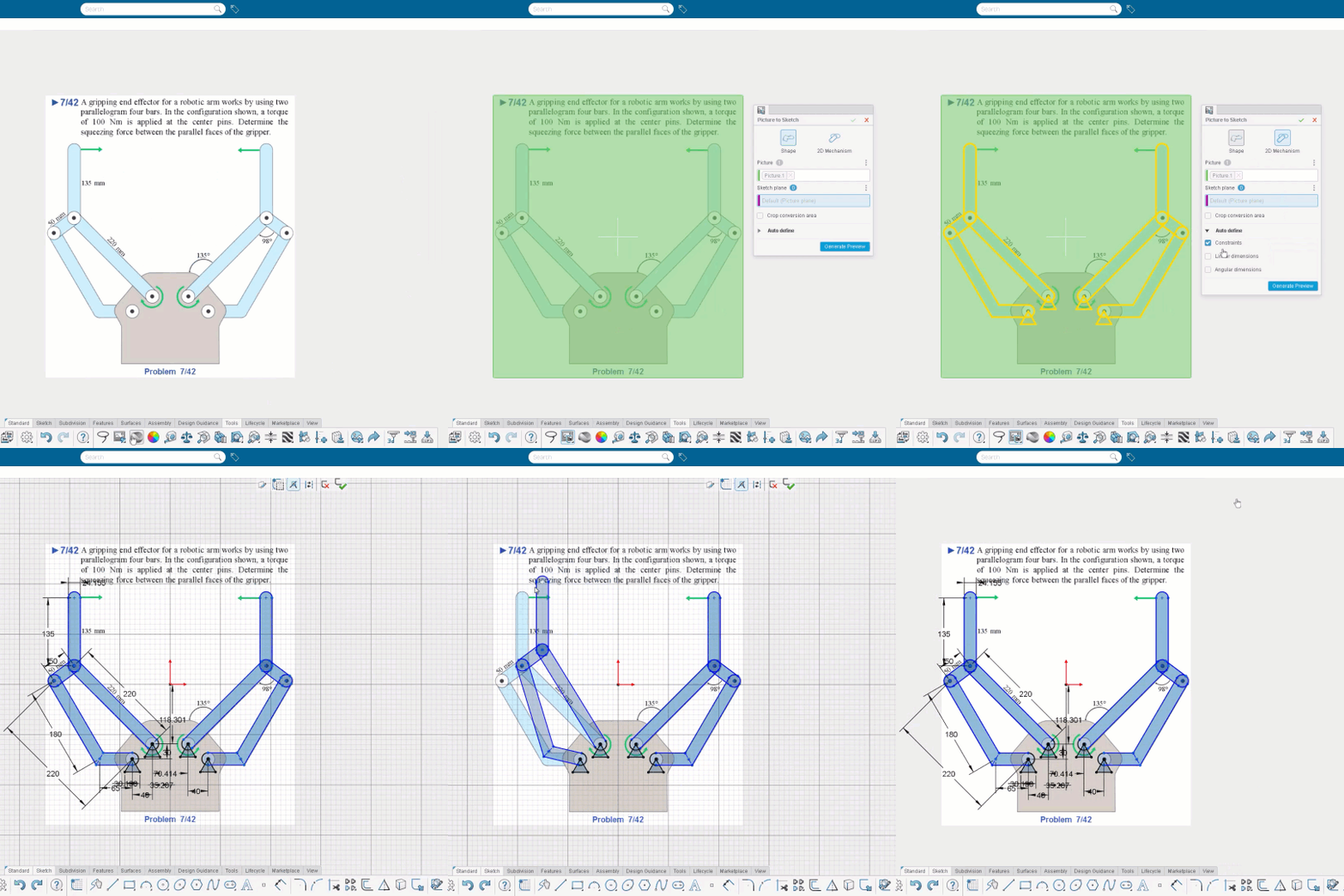
This is an AI project targeted for beginners.
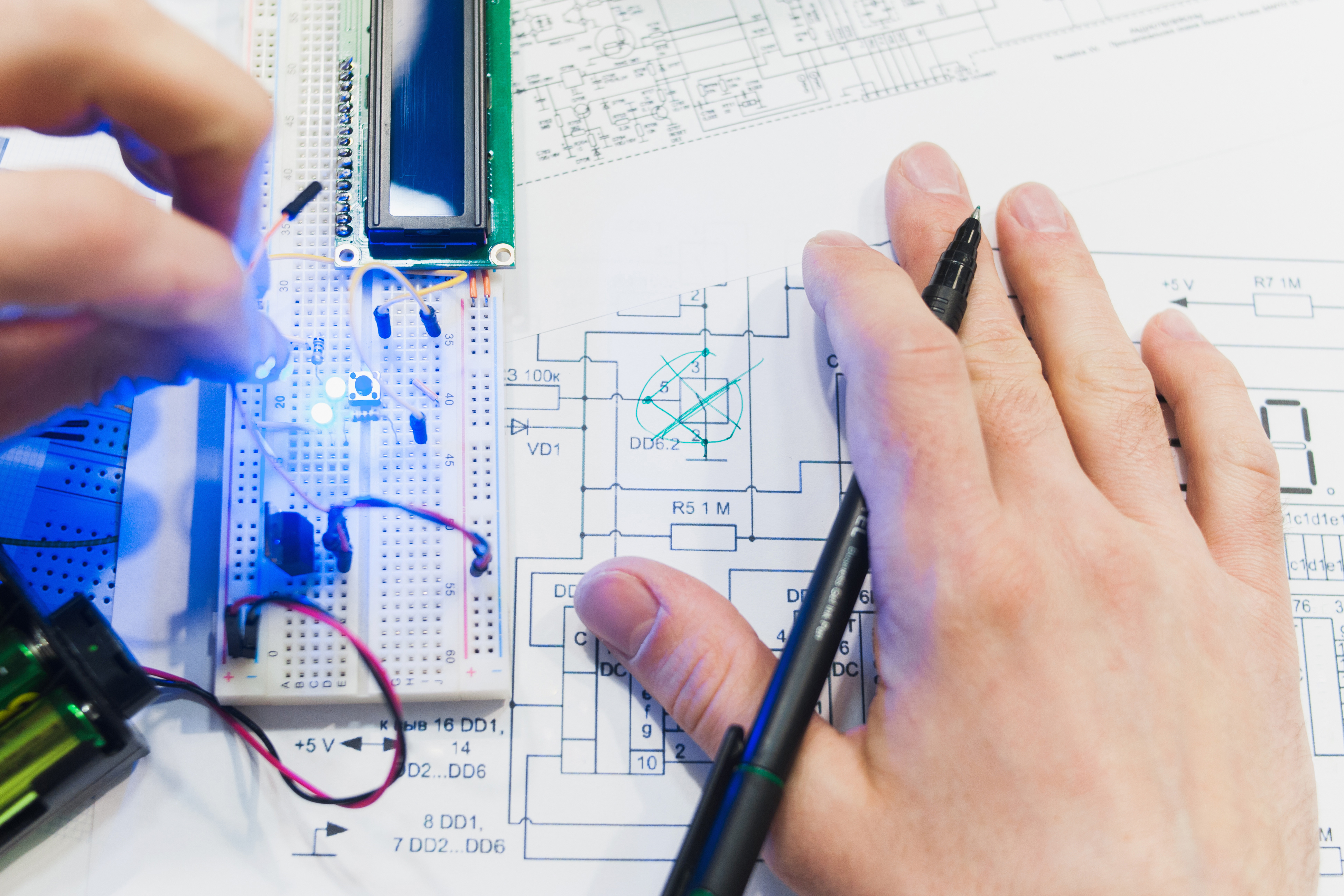
Many students learn about creating mechanism from their textbook. They have easy access to the mechanism diagram on paper. However, it can be a bit annoying to turn those mechanism diagrams into actual sketch drawing.
UX focus:
Designing preview states during long generation times
Making AI uncertainty visible
Managing user expectations through progressive feedback
AI for 3D required leading through ambiguity in a rapidly evolving technical landscape. I worked across UX, engineering, and product to define responsible AI patterns, establish guardrails, and create evaluation criteria that grounded experimentation in user value.
The experience reinforced my ability to turn emerging technology into structured, usable systems — aligning business ambition with clarity, trust, and practical adoption.